
AWS S3 Intelligent Tiering: How Automatic Cost Optimization Works
September 2026 · 8 min read · Surya
An S3 bill that has crept into five figures a year is not unusual. What is not normal is finding out that a third of the bytes behind it are in objects under 100 KB that nobody has read since last spring. That is the moment people go looking for aws s3 intelligent tiering — and it is the moment they usually misread what they are buying. Automatic tiering will not move those objects. It will bill you for watching them.
Intelligent-Tiering is a rule you attach to objects, not a switch you flip in the console
There is no global "optimize my bucket" button. Intelligent-Tiering is a configuration you apply per bucket, per prefix, or per object. The moment it lands, S3 starts tracking access on every object under it and starts charging you a monitoring-and-automation fee per object, per month, on top of your storage line. It is additive. It is never a discount.
That distinction is the whole ballgame. People read "automatic" and hear "free savings." What they actually get is a small per-object meter that runs whether or not a tier transition ever happens, and a set of transitions that only fire when the object is both old enough and big enough to qualify. Miss either condition and you have bought a monitoring subscription for data that will never move.
The mental model to hold: Intelligent-Tiering is a per-object bet that the object will change access patterns. If you already know the object is cold forever, that bet is a bad one and a lifecycle rule to a cheaper class is cheaper and dumber and better.
Step 1: Find the prefixes where object age and access are actually uncorrelated
Before you turn anything on, inventory access per prefix. Not per bucket — per prefix. Buckets lie. A bucket can look uniformly cold while one prefix under it is serving a hot API.
What you are hunting for is the set of prefixes where age tells you nothing. Those are the ones worth tiering. Concretely:
- Pull access logs or S3 Storage Lens metrics for the last 90 days, grouped by prefix.
- For each prefix, compare last-access time against object age. If old objects are still being read, that prefix is a real candidate.
- Drop any prefix you already lifecycle to Glacier or Deep Archive. Tiering it is pure wasted monitoring fee — you have already made the decision, and Intelligent-Tiering cannot beat a rule you wrote deliberately.
- Flag prefixes where the median object size is under 128 KB. Hold those aside; step 3 explains why.
The prefixes you keep are the ones where you genuinely cannot predict the next read. Logs with occasional forensic queries. Analytics output that gets reprocessed quarterly. Backups you hope stay cold but occasionally restore from. That is the profile. Everything else is a lifecycle rule in a costume.
Step 2: Attach the configuration and pick the archive tiers you will actually wait for
Applying it is the easy part. Via the console: bucket, Properties, Intelligent-Tiering configuration, choose the prefix scope. Via the API, it is a PutBucketIntelligentTieringConfiguration call with a JSON body naming the status, the filter, and the optional archive tier.
{
  "Id": "logs-tiering",
  "Status": "Enabled",
  "Filter": { "Prefix": "logs/" },
  "Tierings": [
    { "Days": 90,  "AccessTier": "ARCHIVE_ACCESS" },
    { "Days": 180, "AccessTier": "DEEP_ARCHIVE_ACCESS" }
  ]
}
The default configuration — no archive tier specified — gets you the standard automatic transitions and nothing else. Opting into the archive tiers is a separate decision, and it is a decision about retrieval latency, not about price. Archive Access and Deep Archive Access give you lower storage rates in exchange for retrieval that takes hours, not seconds. If your "occasionally read" objects are occasionally read by a person waiting on the response, do not opt in. You will save a few dollars and lose an afternoon.
Running this across providers so the configuration surface looks the same everywhere is the part we built. The intelligent tiering feature page covers how the config maps across S3-compatible endpoints.
Step 3: The step people get stuck on — object size below 128 KB never gets cheaper
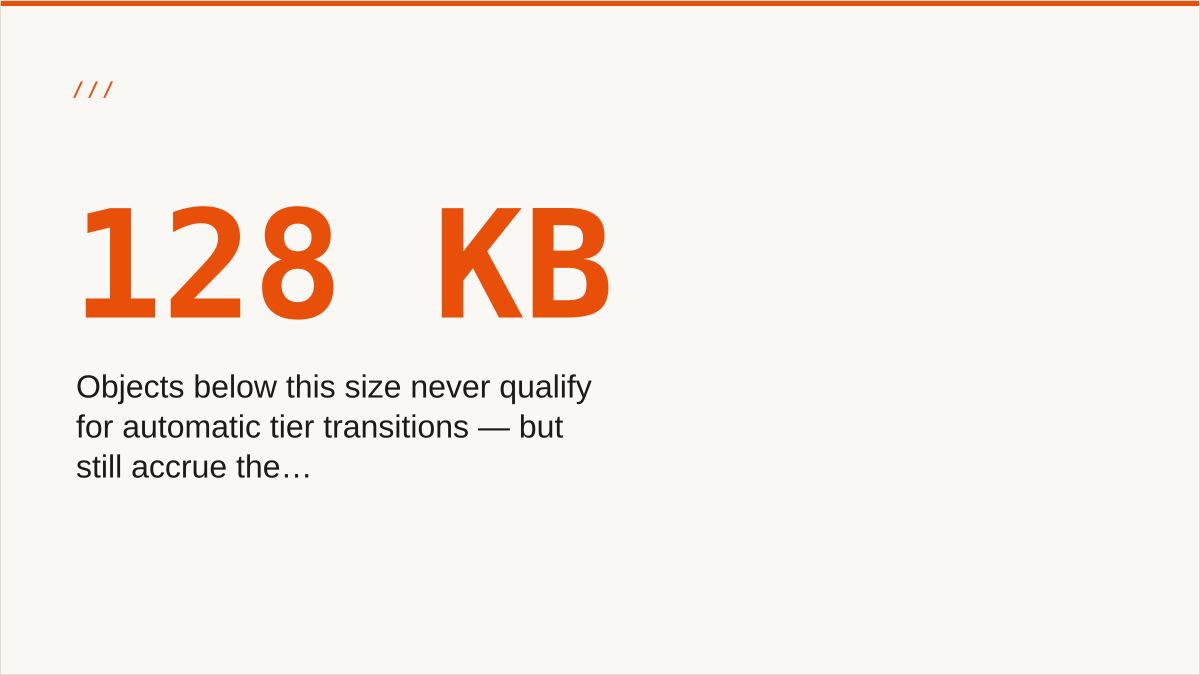
Objects under 128 KB do not qualify for automatic tier transitions. They still accrue the monitoring-and-automation charge. So the bill goes up.
Read that again, because it is the single most common way an Intelligent-Tiering rollout produces a negative result. You enable it on a prefix. The prefix is mostly small objects — thumbnails, index files, small JSON, individual log lines. None of them are eligible to move. All of them are eligible to be monitored. Your storage cost is unchanged and your per-object fee just appeared.
This is not a bug and AWS documents it. It is still the thing people discover after the first invoice.
The fix is boring. Check the size distribution of the prefix before you attach anything. If most of the object count is under 128 KB, Intelligent-Tiering is the wrong tool for that prefix, full stop. Compact the small objects, batch them into larger ones, or leave the prefix alone on a lifecycle rule. Object count drives the fee; byte volume drives the savings. A prefix with a million tiny objects and a hundred gigabytes of data is the worst possible shape for this feature, and it is also a very common shape.
What the monitoring-and-automation line item really costs you at small object sizes
Every search for aws intelligent tiering pricing eventually lands on the same question: what does the monitoring actually cost? The honest answer is a model, not a number, because the rate is per thousand objects per month and it changes.
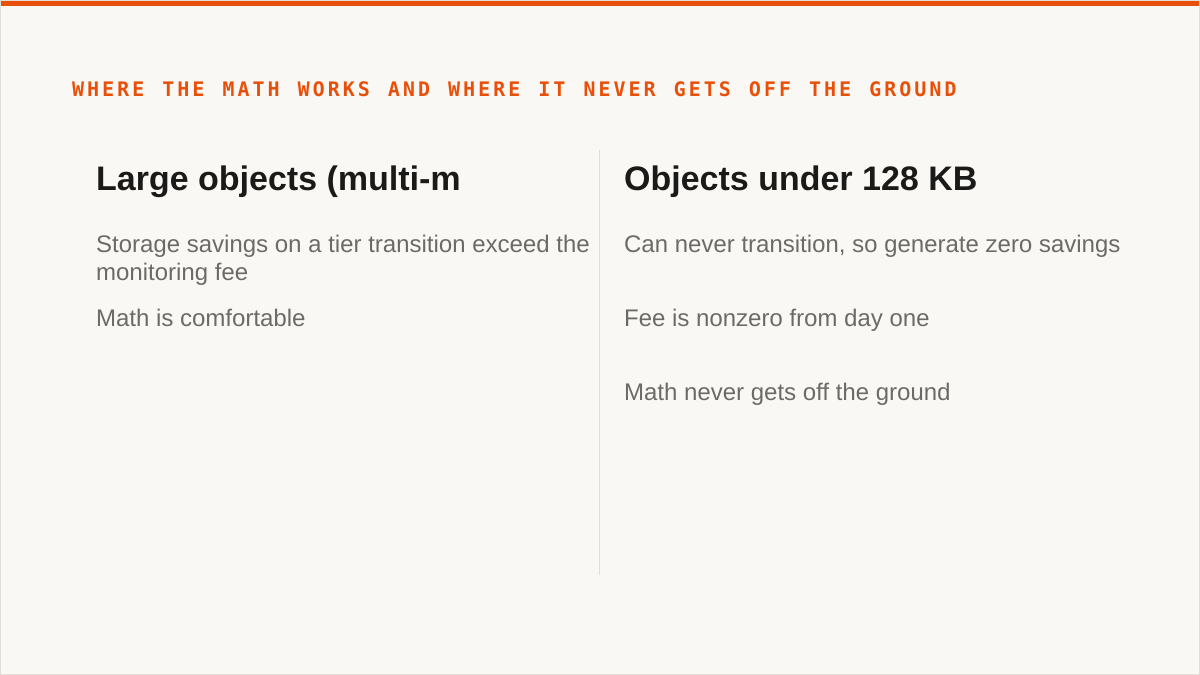
The model is what matters. You pay per object, per month, for as long as the configuration is attached. No object is exempt because it is too small to transition — only the transition is exempt. So the break-even logic runs like this: the storage savings on an object have to exceed the monitoring fee on that object, and an object that can never transition generates zero savings against a nonzero fee. It is negative from day one.
At large object sizes the math is comfortable — a multi-megabyte object moving to a colder tier saves far more than the fraction of a cent it costs to watch. At small object sizes the math never gets off the ground. There is no volume discount that rescues it, because the fee scales with exactly the thing you have most of.
We keep the cross-provider comparison of these models on the feature page rather than reprinting rates here, because rates move and we would rather point you at something we update than something you screenshot.
Where automatic tiering stops helping: one cloud, one console
If everything you own lives in Amazon S3, the AWS console is the right tool and we are not better than it here.
That is not a hedge. The console is free, it is authoritative, it is current with S3's newest features on the day they ship, and it will never be behind on a config key. We are a control plane that sits across providers. If you have one provider, the thing we are for does not exist in your setup. Use the console. It will serve you better than a subscription.
Where the console stops is the second and third provider. When you are running the same tiering policy across S3, R2 and B2, the console gives you three different consoles, three different config surfaces, and no shared view of what is actually configured where. That is a real problem and it is the problem we exist for. But it is a problem you have to actually have.
Who should not use us for this — and what to use instead
If your budget for this is zero, the conversation is over and rclone wins. Free, no account, no vendor, supported backends we do not touch, and it runs inside your own boundary. For a lot of people that is the whole answer and we are not going to pretend otherwise.
Beyond that, plainly:
- You need storage mounted as a filesystem. We have no FUSE surface. Use
rclone mount, Mountain Duck or ExpanDrive. - You need Google Drive, Dropbox, OneDrive or SFTP. We connect the S3-compatible family and custom S3 endpoints, nothing else. Use rclone or MultCloud.
- Your credentials must never leave hardware you control. Ours sit encrypted in our database — AES-256-GCM, per-namespace keys, and AWS can be connected keylessly by IAM role assumption. That is real, and "the keys never left my laptop" is still a stronger answer. Use rclone.
- Your workflow is code and always will be. We are a console, not a command. We do not compose with cron, systemd or CI the way a binary does. Use a CLI.
- Everything lives in one cloud and always will. That provider's console is free and more current than we are.
- You need a vendor with a long track record. We are a small team and Storafleet started in 2026. We have no customer case studies to point you at, because we do not have the customer history to write them from. A decade-old open-source project has a better answer to "will this exist in five years" than we do.
What is left is the actual case for us: multiple providers, the same tiering and lifecycle policy applied across all of them, duplicate detection, per-bucket cost visibility, and no per-gigabyte charge for moving the bytes. If that is your shape, we are built for it. If it is not, the alternatives above are genuinely good and we would rather you use them than buy the wrong thing from us.